How to start an online tutoring business
Kallydo team ·
Starting an online tutoring business takes less money than most businesses and more organisation than most people expect. You need a clear offer, a price that pays for your time, the basic admin in order, a setup you can teach from every day, and a way to find your first students. This post takes them in that order.
1. Decide what you will teach, and to whom
Be specific. "Maths tutoring" competes with everyone; "GCSE maths for students aiming at a grade 7" tells a parent straight away whether you are the right person. Pick:
- The subject and level, down to the exam board where it matters.
- The student, such as exam preparation, catching up, or stretching a strong student.
- The format: one-to-one, small groups, or both.
You can widen the offer later. A narrow one is easier to explain and easier to recommend.
2. Choose platforms, your own students, or both
Tutoring platforms bring students to you and handle payments, and keep part of each fee in return: Wyzant, for example, keeps 25% of a tutor's posted rate. Finding your own students means keeping the whole fee but doing the finding. Many tutors start on a platform and move to their own students as word of mouth grows. The trade-off is set out in more detail in online tutoring after you retire from teaching.
3. Set your prices and policies
Work out an hourly rate from what others at your level charge, then check it covers your preparation time and any platform fee. The numbers and the method are in how much to charge for online tutoring.
Before your first student, write down:
- Your rate, and any package price for a block of lessons.
- How payment works, and when it is due. Payment before the lesson saves a lot of chasing.
- Your cancellation rule, for example 24 hours' notice.
4. Sort out the admin
This part depends on where you live, so treat it as a checklist to look up rather than a set of answers:
- Register the business if your country requires it, and find out how self-employed income is taxed.
- Keep records of every payment in and every expense from the start.
- Background checks: parents may ask whether a tutor working with children has one, and some countries have an official scheme for it.
- Student information: keep only what you need, store it securely, and keep students' names out of anything you show on a shared screen.
5. Set up the way you teach
Your setup is what you will use for every lesson, so make it reliable:
- A computer with a webcam and a good microphone, and a video calling app your students can join easily.
- A whiteboard you can write on by hand, ideally with a tablet and stylus for maths and science.
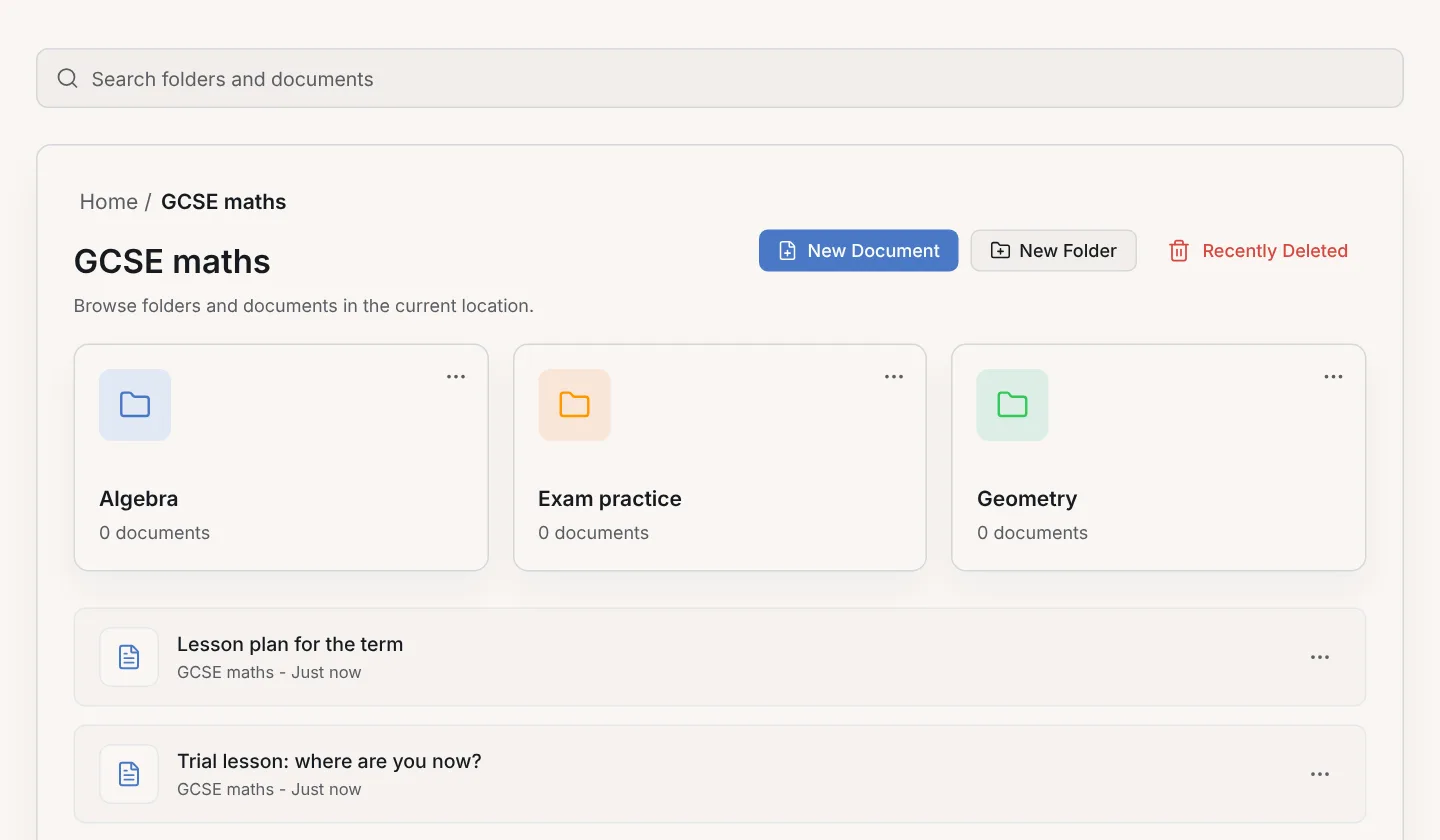
- A library of lessons you can find again. In Kallydo, each lesson is a document of A4 pages, kept in folders you can nest by class and topic; see how to organise your lessons into folders.
- A way to send the lesson home. Exporting the pages as a PDF straight after the lesson gives the student something to revise from.
6. Find your first students
The first students usually come from people who already trust you:
- Tell everyone you know, including former colleagues and parents from schools you have worked at.
- Post in local parent groups and community noticeboards, saying exactly what you teach, to which levels, and when you are free.
- Make a simple profile or page that a parent can be sent: who you are, what you teach, your experience and how to book.
- Ask happy students for referrals. A parent who recommends you is the strongest introduction a new student can have.
7. Keep the students you have
Keeping a student is easier than finding a new one. Send the lesson's notes after every session, check in with parents every few weeks on progress, and keep each student's lessons together so you can pick up exactly where you left off.
Try the whiteboard part of your setup
The Kallydo demo board is a working whiteboard that runs in your browser, with no account and no sign-up. Choose the paper for your subject, draw a worked example and export it, and decide whether it fits the way you want to teach.